Bus Simulator Ultimate Terminals, Destinations and Route Planning Database
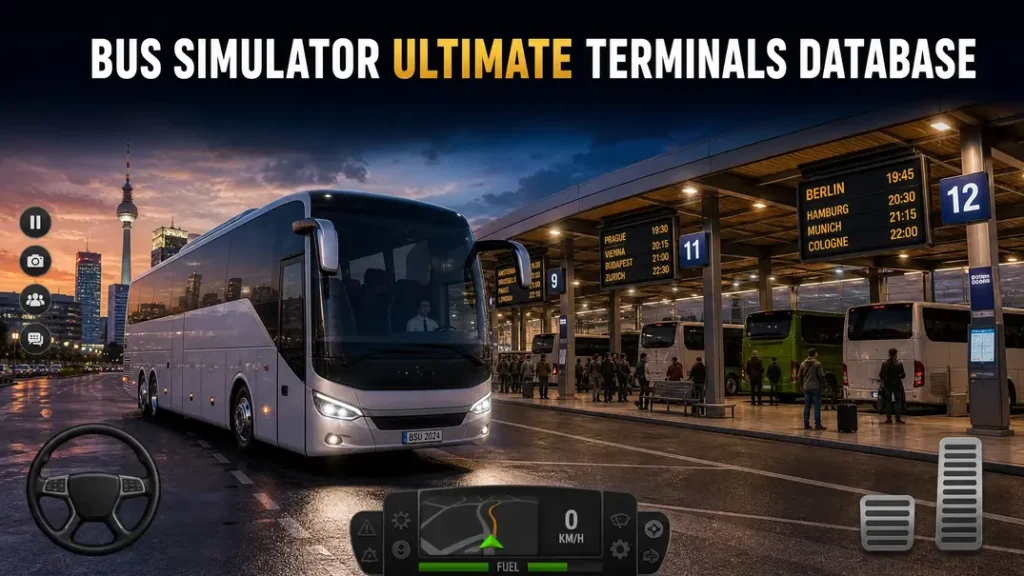
Finding the right terminal or destination can make route planning much easier in Bus Simulator: Ultimate. This database brings those details together in one place. The game includes realistic city maps, bus stations, and more than 300 original terminals. It also covers more than 20,000 cities and counties, according to the official Google Play listing. Use this Bus Simulator Ultimate terminals list to find terminal and destination information faster.
The database focuses on locations instead of general gameplay tips. It also separates bus terminals from bus stations. These terms may sound similar, but they can refer to different locations in the game. You can check terminals by country and city, then use those locations when planning routes. The sections below organize the information for quick searching and easier route selection.
Bus Simulator Ultimate Terminals Database
A terminal marks the start or end point of a route in Bus Simulator: Ultimate. It gives passengers a place to depart or arrive. Players can also use terminals to manage offices and expand their network. The official game listing reports more than 300 original terminals. It also lists realistic city maps and bus stations across many countries.
What Is a Terminal in Bus Simulator Ultimate?
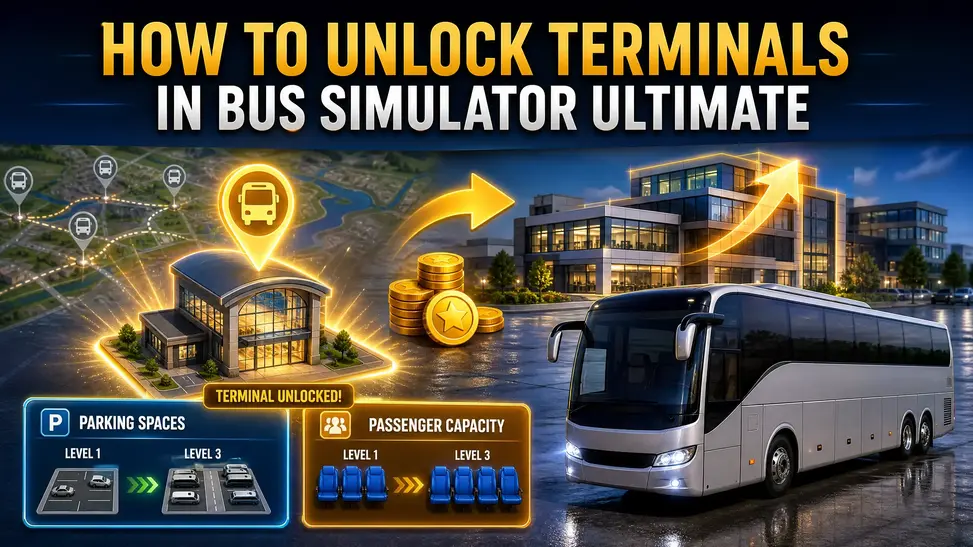
A terminal connects your bus company with specific travel locations. When you create a route, your bus leaves from one terminal and reaches another. This makes terminals the main points for intercity route planning. A terminal can include passenger seating, vending machines, parking spaces, and other amenities. Some locations also have cafes or sheltered passenger areas. Terminals and bus stations are not always the same. The game uses both terms for different location types. Zuuks Park stations appear along routes and provide places for breaks and food. They do not function as route terminals. Terminal upgrades can also increase parking spaces and passenger capacity. Some terminals offer additional amenities that players can upgrade with gold coins.
Bus Simulator Ultimate Terminals List
The table below includes locations that available references specifically identify as terminals. It does not claim to list every terminal in the game.
| Country | City | Terminal | Region/Area | Notes |
| Turkey | Istanbul | Istanbul terminal | Istanbul | Custom and unique terminal |
| Turkey | Iskenderun | Iskenderun terminal | Hatay Province | Custom and unique terminal |
| United States | Fresno | Fresno terminal | California | Custom and unique terminal |
The community-maintained Bus Simulator: Ultimate Wiki identifies Fresno, Istanbul, and Iskenderun among locations with custom terminal designs. It also states that many other countries and cities share common terminal designs. The official game listing confirms several supported countries, including Turkey, the United States, Brazil, Mexico, Germany, and South Korea. However, it does not publish a city-by-city terminal database. For that reason, this list separates verified terminal locations from broader country availability. This approach avoids presenting unconfirmed cities as official terminal entries.
Terminals by Country
Turkey Terminals
Turkey includes several locations with distinctive terminal designs. Istanbul and Iskenderun are two specifically identified examples.
United States Terminals
The United States also contains custom terminal designs. Fresno is one documented example.
Brazil, Mexico, Germany, and South Korea
The official listing confirms realistic city maps and bus stations for these countries. However, it does not provide individual terminal names. Therefore, cities such as São Paulo, Rio de Janeiro, New York, and Ankara should not appear in a verified terminal table unless a reliable source confirms their terminal status. This database can expand as reliable terminal records become available. That keeps the Bus Simulator Ultimate terminals list useful without mixing confirmed information with guesses.
Bus Simulator Ultimate Destinations Database
Destinations tell you where a route can take your passengers. They work alongside terminals to form complete journeys. The official game listing says Bus Simulator: Ultimate features more than 20,000 cities and counties. It also includes more than 300 original terminals.
Cities in Bus Simulator Ultimate
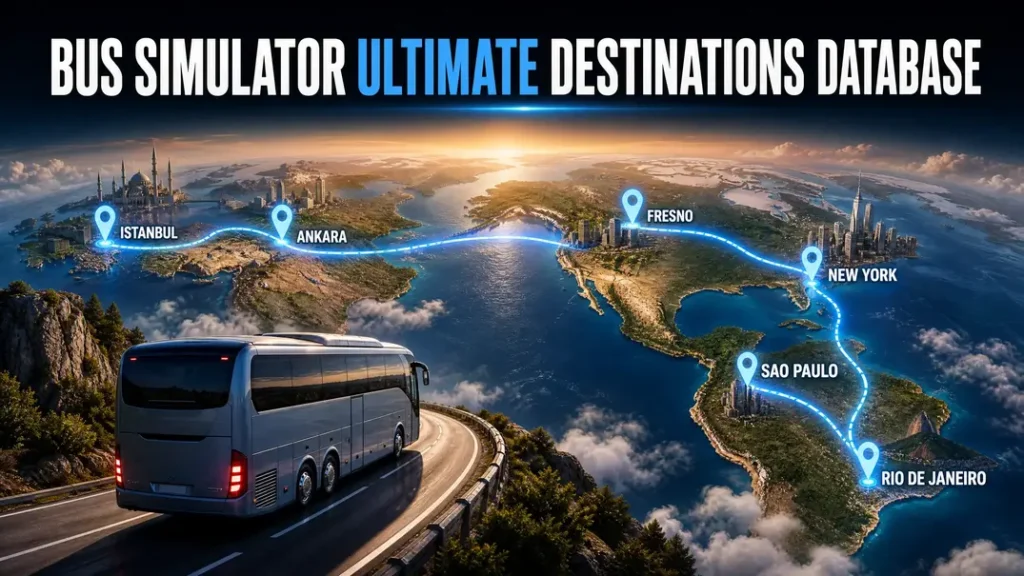
A city acts as a destination within the game’s travel network. A terminal provides the physical departure or arrival point for that journey. For example, a route can connect one terminal in Istanbul with another destination in Ankara. This gives players a clear starting point and endpoint for route planning. The game supports realistic city maps across many countries. The official listing names countries such as Turkey, the United States, Brazil, Germany, Mexico, and South Korea. Some cities also have specifically documented terminals. For example, Brazil received terminals in São Paulo, Rio de Janeiro, Salvador, and Belo Horizonte. A game update also added route planning with multiple stops.
Popular Destinations
Several cities appear often in community route and terminal content. These locations include:
These examples do not represent a ranking. They simply show locations that appear in available game references and route content.
Countries in Bus Simulator Ultimate
The game supports a wide range of countries for realistic city maps and bus stations. The official listing includes the United States, United Kingdom, China, Canada, Russia, Germany, Italy, France, Spain, Netherlands, Turkey, South Korea, Japan, Brazil, India, and several others. For route planning, group destinations under their countries. This makes international routes easier to compare.
For example:
The game continues to support a large network of cities and destinations. Therefore, this database should focus on verified locations instead of claiming every city without a reliable source.
Bus Simulator Ultimate Route Planning Database
Route planning connects terminals with destinations and gives each journey a clear path. In Bus Simulator: Ultimate, players choose where a route starts and ends before beginning the trip. The game then calculates details such as travel distance and travel time.
How Route Planning Works
The basic route structure is:
Departure terminal → Destination city → Arrival terminal → Route
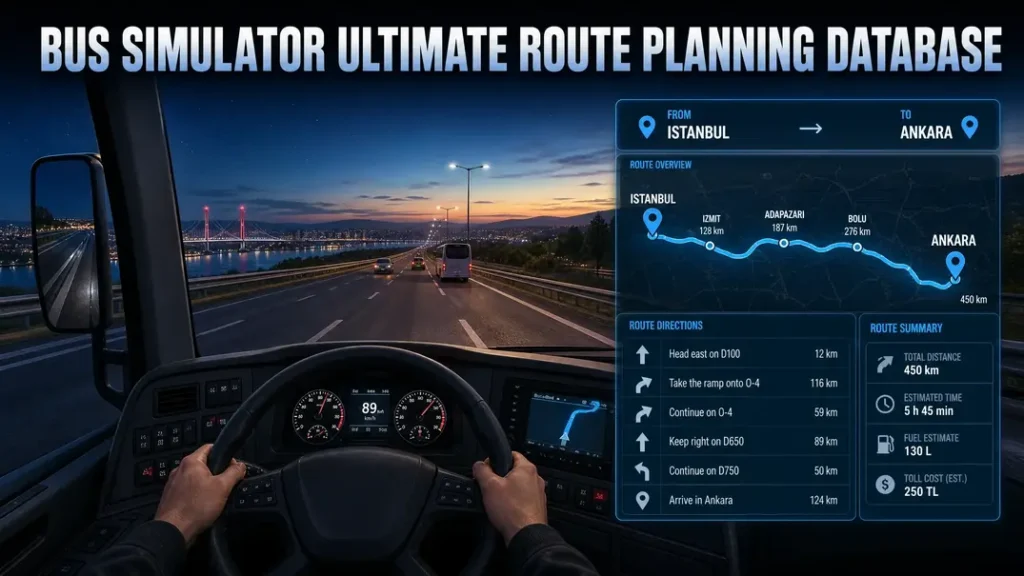
First, select the departure location. Then choose the destination and set the departure time. The route system calculates the expected travel details. Terminals act as the main starting and ending points for routes. This makes them central to route planning and destination selection. A route can also include multiple stops. This gives players more options when planning longer journeys. Recent gameplay coverage shows multi-stop travel between cities such as Istanbul, Bursa, and Ankara.
Terminal-to-Terminal Routes
The following examples come from available route references and gameplay sources. They show how players can connect different destinations.
| Departure | Country | Destination | Country | Route Type |
| Istanbul | Turkey | Ankara | Turkey | Intercity |
| Istanbul | Turkey | Izmir | Turkey | Intercity |
| São Paulo | Brazil | Rio de Janeiro | Brazil | Intercity |
| Fresno | United States | Modesto | United States | Intercity |
| Stuttgart | Germany | Hamburg | Germany | Intercity |
The Istanbul–Ankara route appears in multiple Bus Simulator Ultimate gameplay and route references. A route guide lists it at about 450 km. The Fresno–Modesto route also appears in the game’s documented route data. The available reference lists the distance at 191 km. São Paulo–Rio de Janeiro also appears in gameplay coverage for the Brazil map. This route gives players a clear example of domestic route planning. These examples do not form a complete route database. Game updates can add or change available routes. Bus Simulator Ultimate Highway Guide
How to Choose a Route
Start by checking the distance between the departure and destination. Longer routes need more time and can require more fuel planning. Next, check destination availability. A city may appear on the map without offering every possible terminal connection. Then consider passenger demand. A busy terminal can give you more passengers for a suitable route. Community route guides often highlight locations such as Istanbul, New York, and São Paulo for this reason. The terminal location also matters. A convenient terminal can make route selection easier and reduce unnecessary detours.
Finally, compare the route with your bus and driving plans. Choose a route that matches your available time, distance preference, and destination options. This approach turns the terminal list into a practical route planning database instead of a simple collection of city names.
How to Find and Unlock Terminals
Finding the right terminal starts with the Terminal section in Bus Simulator: Ultimate. This section connects your company with available locations and route options.
How to Unlock Terminals in Bus Simulator Ultimate
Open the Terminal section and check the available countries and cities. The game lets you expand your network by opening offices in different locations. Your available locations depend on the countries and cities supported by the game. The official listing confirms a large network of cities and countries across its map system.After selecting a location, check its terminal options before creating routes. A terminal must provide a valid starting or destination point for your planned journey. The Terminal section also helps you manage terminal-related upgrades. These upgrades can affect passenger capacity, parking spaces, and available amenities.
How to Buy Terminals
Terminal access can involve an in-game purchase or location requirement. The exact cost depends on the terminal and the current game version. Gold coins can support terminal purchases and upgrades where the game requires them. Check the current price shown inside the game before spending coins. Avoid relying on old terminal prices from third-party guides. Game updates can change costs, availability, or upgrade requirements.
Create Office and Terminal Access
Creating an office helps your company establish a presence in a new location. After opening an office, you can access routes connected with that location. Think of an office as your company’s local branch. The terminal then acts as the place where your passengers start or finish their journey. For example, opening an office in Turkey can support routes involving Turkish cities. You can then check locations such as Istanbul or Ankara when planning suitable routes.
The process is simple:
Choose country → Select city → Create office → Check terminal → Plan route
Always check the Terminal section for the latest availability. This keeps your Bus Simulator Ultimate terminals list aligned with the current game version. Bus Simulator Ultimate Global Offices
Terminal Information Players Should Check
A terminal list becomes more useful when each entry includes practical details. Players can compare locations before choosing a route.
Terminal Passenger Capacity
Passenger capacity shows how many passengers a terminal can handle. A higher capacity can support busier routes. Check capacity before planning routes from a busy destination. A suitable terminal can better match routes with higher passenger demand. Terminal upgrades can increase passenger capacity. This gives players another way to improve a terminal after buying or unlocking it. When building a database, record the capacity beside each terminal when reliable data exists. This helps players compare locations without opening each terminal separately.
Parking Spaces
Parking spaces show how many buses a terminal can accommodate. This detail matters when you manage several routes from one location. A terminal with more parking can support a larger bus network. Players should check parking capacity before assigning several routes to the same terminal. Terminal upgrades can increase available parking spaces. Therefore, the database should record both the current capacity and upgrade information when confirmed.
Terminal Satisfaction and Amenities
Terminal satisfaction gives players another useful comparison point. Passenger facilities can affect the quality of a terminal.
Common amenities include:
The Bus Simulator: Ultimate Wiki lists amenities and terminal upgrades among the terminal’s available features. For each database entry, record available amenities when reliable information exists. This makes the terminal list more useful for route planning and location comparison.
Best Way to Use This Terminal and Route Database
Use this database as a quick reference before creating a new route. You can check locations first instead of searching through scattered information.
1. Find Your Departure Terminal
Start by finding the terminal where your bus will leave. Search the database by country and city.
2. Check Available Destinations
Look for destinations connected with your chosen location. Confirm that the destination fits your planned journey.
3. Select a Destination
Choose a destination that matches your route plan. Check the city and country before confirming your selection.
4. Check the Arrival Terminal
Find the terminal linked with your destination. Check its location, passenger capacity, and available facilities when data exists.
5. Compare Possible Routes
Compare route distance, destination availability, and passenger demand. Also check the departure and arrival locations.
6. Choose the Right Route
Pick the route that matches your travel plan. A shorter route may suit quick trips, while longer routes offer different travel options.
7. Save or Reuse the Route
Keep useful routes in your planning notes. You can then return to them when planning another journey. This workflow turns the Bus Simulator Ultimate terminals list into a practical route planning tool. You can find locations, compare destinations, and plan journeys from one reference point.
Frequently Asked Questions
How many terminals are in Bus Simulator Ultimate?
The official Google Play listing states that Bus Simulator: Ultimate has more than 300 original terminals. The game also includes more than 20,000 cities and counties. The exact terminal count can change with game updates, so check the current game version for the latest availability.
How do you unlock terminals in Bus Simulator Ultimate?
Open the Terminal section and check the available locations. Select a supported country or city, then review its available terminal options. Requirements can vary between locations and game versions.
How do you buy terminals in Bus Simulator Ultimate?
Select an available terminal and check its purchase requirements inside the game. Some terminal options can require gold coins. Always check the current in-game price because older guides may show outdated costs.
What is the difference between a terminal and a station?
A terminal acts as a departure or arrival point for routes. A station can serve a different purpose within the game. For example, Zuuks Park locations provide rest facilities along routes rather than acting as standard route terminals.
Can I find terminals by country?
Yes. You can organize a Bus Simulator Ultimate terminals list by country and city. This makes locations easier to find when planning domestic or international routes.
Can I plan routes between different terminals?
Yes. Terminals provide the starting and ending points for routes. Select a departure location, choose an available destination, and review the route details before starting your trip. The game also supports routes with multiple stops in some gameplay scenarios.
Which cities can be used as destinations?
Bus Simulator: Ultimate supports a very large city network. The official listing states more than 20,000 cities and counties. Examples include Istanbul, Ankara, Fresno, New York, São Paulo, and Rio de Janeiro. Availability can change with game updates, so verify the destination inside the current game version.
Conclusion
This Bus Simulator Ultimate terminals list gives players a simple way to check terminals, destinations, and routes. You can use the database to find departure locations, compare destinations, and plan suitable journeys. Terminal details can change when Zuuks Games releases new updates. New cities, terminals, routes, or other location changes may affect the available database. Check the current game version before relying on terminal costs, capacity, or route details. Use this database as a quick reference when planning your next trip. This approach saves time and keeps your route planning based on the latest available location information./